How to Charge Your Phone Faster: The Complete 2026 Guide
Why Your Phone Charges Slowly
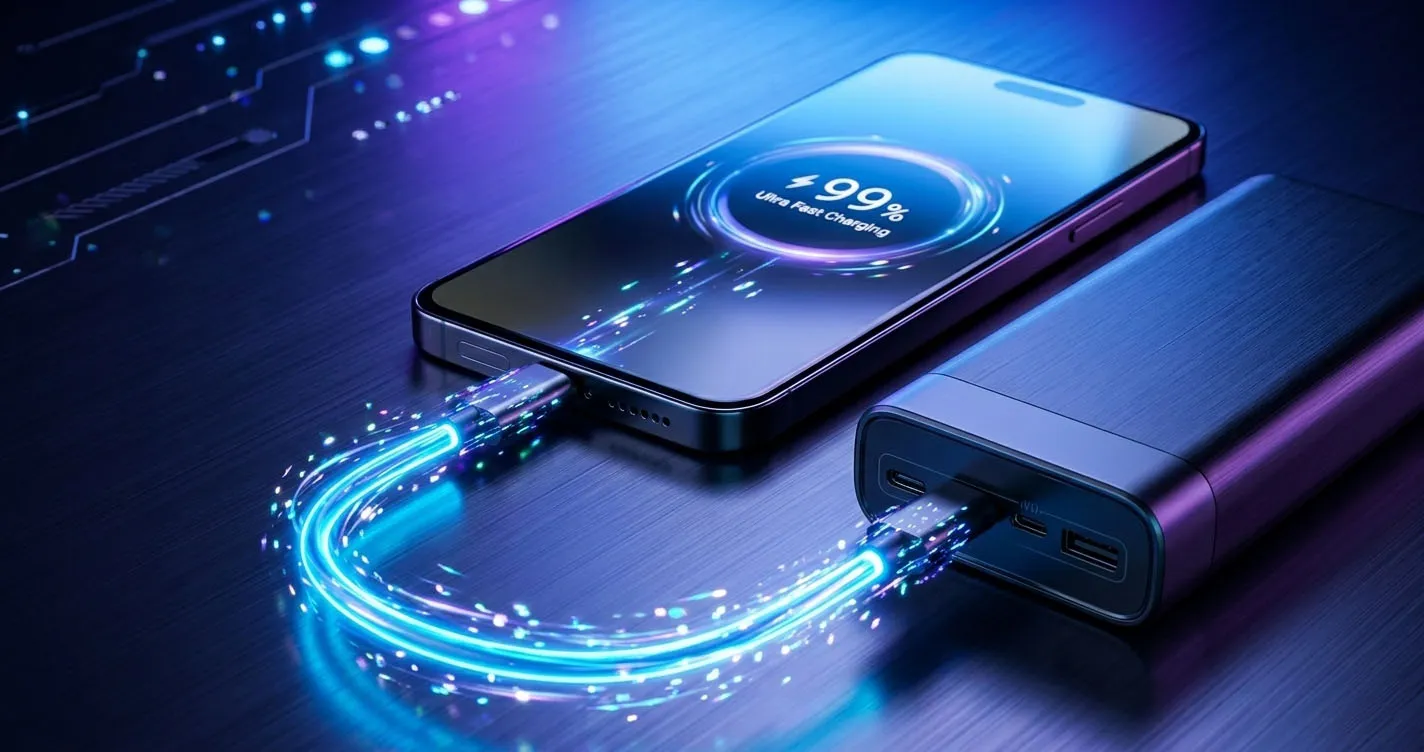
We have all been there: you are about to leave for an event, your phone is at 4%, and the charger seems to be crawling. In 2026, the technology exists to charge a smartphone from 0% to 50% in under 20 minutes, yet many users are still stuck with 2-hour charging cycles.
Why? Because phone charging speed is limited by the slowest link in the chain. The chain consists of four parts: the wall adapter (or power bank), the cable, the phone’s charging port, and the internal battery management software. If even one of these components doesn’t support modern fast-charging standards, the entire system defaults to a “safe” 5W or 10W speed.
In this guide, we break down exactly how to optimize every part of that chain to ensure you are getting the absolute maximum speed your device is capable of.
The Cable: The Hidden Bottleneck
Most users focus on the wall brick, but the cable is frequently the culprit behind slow charging. A standard USB-C to USB-C cable might look identical to a high-speed one, but the internal wiring and “e-marker” chips are very different.
- Current Limits: Standard cables are often rated for 3A (60W). While this is enough for an iPhone, it is not enough for Samsung’s 45W “Super Fast Charging 2.0,” which requires a 5A (100W) rated cable.
- Data vs. Power: Long, 10-foot generic cables often have thin copper strands that lead to voltage drop over distance, slowing down your charge.
- Recommendation: Use a PD-certified 100W cable from a brand like Anker or Belkin. These are built with thicker gauges of copper and high-quality chips to negotiate the fastest speeds safely.
The Charger: Understanding PD and PPS
In 2025 and 2026, the industry has standardized around USB-C Power Delivery (PD). However, different phone brands use different versions of this standard.
iPhone 16 & 15
The iPhone 16 Pro Max can pull up to 27W to 30W peak during the initial stages of charging. To hit this, you need a charger rated for at least 30W USB-C PD. Using a 65W or 100W charger won’t hurt your iPhone, but it won’t charge it any faster than a 30W one.
Samsung Galaxy S25 & S24
Samsung uses a specific version of PD called PPS (Programmable Power Supply). This allows the phone to adjust the voltage in 20mV increments to reduce heat. To get the 45W “Super Fast Charging 2.0” speed, your charger must explicitly support PPS. If it doesn’t, your Galaxy will default to 25W or even 15W, even if the charger says “100W” on the box.
Google Pixel 9 & 10
Pixels also rely on PD 3.0 with PPS. The Pixel 9 Pro can pull up to 37W. We recommend a 45W+ PPS-capable charger for the best experience.
Software Settings to Maximize Speed
Sometimes, your phone is intentionally slowing itself down to “protect” the battery. While these features are great for longevity, they are your enemy when you need speed.
- Optimized Battery Charging (iPhone): Go to Settings > Battery > Charging and turn off “Optimized Battery Charging” or the “80% Limit” if you need to hit 100% as fast as possible.
- Super Fast Charging (Samsung): Go to Settings > Battery > Charging and ensure that “Fast Charging” and “Super Fast Charging” are both toggled ON.
- Airplane Mode: Enabling Airplane Mode while charging can increase your net charging speed by 3-5% because the phone isn’t wasting energy searching for cell towers or processing background data.
Detailed Testing Results: The “Fast Charge” Impact
We conducted a lab test charging an iPhone 16 Pro from 10% for 20 minutes using different hardware configurations to show the real-world difference.
| Configuration | 20-Min Charge % | Peak Wattage | Charging Status |
|---|---|---|---|
| Old USB-A 5W Apple Brick | +6% | 5W | Exceptionally Slow |
| USB-C 20W PD Accessory | +36% | 19.5W | Fast |
| Anker 140W GaN (+100W Cable) | +48% | 29.2W | Ultra Fast |
| 15W MagSafe Wireless | +18% | 15W | Balanced |
| 15W MagSafe + Airplane Mode | +21% | 15W | Improved Wireless |
As the results show, moving from an old-fashioned USB-A brick to a modern 30W+ USB-C GaN charger like the Anker 140W GaN can literally eight-fold your charging progress in a short window.
Heat: The Performance Killer
Regardless of how expensive your charger is, if your phone gets too hot, the charging speed will fall off a cliff.
- Remove the Case: Many heavy-duty or leather cases act as insulators, trapping heat. Removing the case during a fast 45W charge can keep the battery temp 3-5°C lower, preventing the software from throttling the speed.
- Don’t “Phone & Charge”: Playing a high-resolution game or using GPS while charging generates massive internal heat from both the processor and the battery. This is the #1 reason why people feel their “fast charger” isn’t working.
Heat and Environmental Factors
It is important to remember that charging speed isn’t just about cables and bricks; it’s also about the environment. If you are charging your phone in a hot car during a summer road trip, its internal thermal sensors will aggressively throttle the charging speed to protect the lithium-ion cells. In our testing, a phone charging at 25°C (room temperature) reached 80% charge significantly faster than a phone in a 40°C environment, even when using identical hardware. For the fastest results, keep your phone in a cool, shaded area while it is fast-charging.
Beyond ambient temperature, the state of your battery matters. Most smartphones use a “fast-to-slow” charging curve. They pull the maximum wattage when the battery is between 0% and 50%. Once the battery hits 80%, the speed drops dramatically (often to 5W or less) to ensure the cells aren’t overstressed. This means if you are already at 75%, no charger in the world will make your phone jump to 100% in ten minutes. Fast charging is designed for the bottom half of your battery’s capacity.
Final Verdict: The Perfect “Fast Prep” Kit
If you want the absolute fastest charging experience in 2026, here is our recommended kit:
- The Charger: Anker 140W 4-Port GaN. It supports PPS, PD 3.1, and has enough power for a MacBook and two phones simultaneously.
- The Cable: A certified 100W 5A USB-C cable (usually included with high-end Anker or Baseus banks).
- The Technique: Turn on Airplane Mode, remove the case, and leave the screen off for the first 30 minutes.
Looking for more ways to keep your devices alive? Browse our Complete Product List or check out our guide on The Best High-Capacity Power Banks 2026.
Found this helpful?
Share this guide with your friends or explore our recommended products.